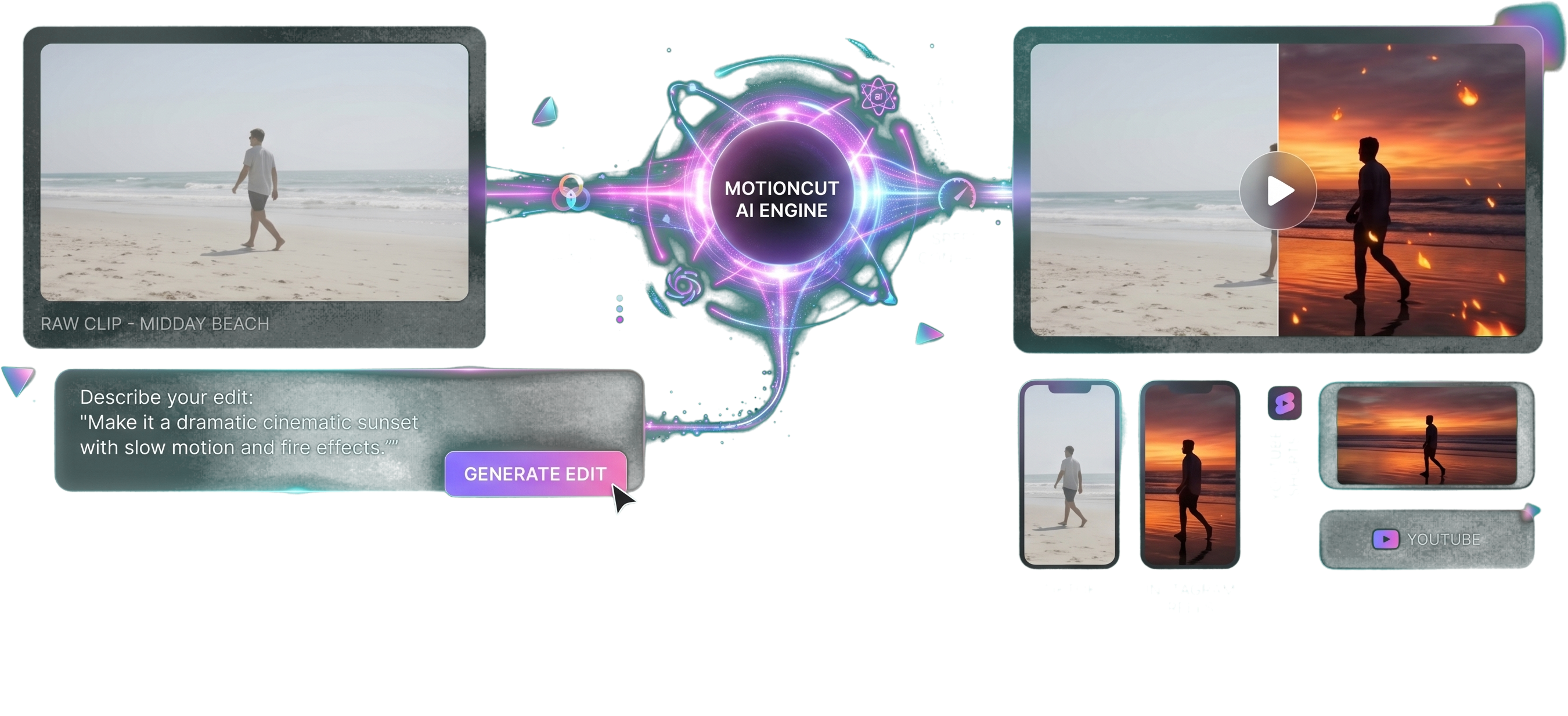
Describe your edit
in plain English
Just type what you want and the AI does the editing.
Add dramatic lighting and cinematic color to this video.
AI Edits Your Videos.
Upload your raw footage, describe the transformation in plain English (e.g., “make it cinematic”, “turn day into sunset”), and get a fully-edited masterpiece in seconds.
Cinematic color grades, AI visual effects, and transformations, tailored for TikTok, Reels, Shorts and YouTube.
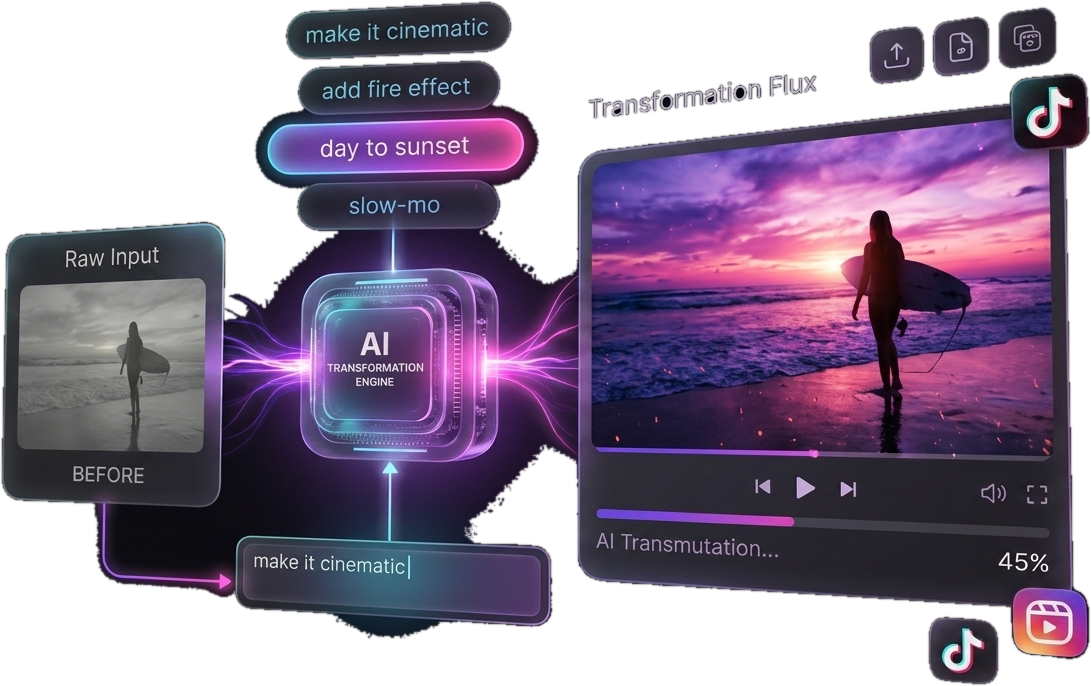
Transform raw clips into share-ready cinematic edits instantly.
Just type what you want and the AI does the editing.
Add dramatic lighting and cinematic color to this video.
Trim to the exact moment you want, then the AI edits just that.
One-tap film looks, fire, slow-mo, sky replacement.
YouTube, TikTok, Reels and Shorts in the right aspect ratio.
Upload. Describe. Done. Witness AI Video Editing at Light Speed.
Yes — MotionCut is free to start. You get a pool of AI credits every month to generate edits, with no credit card required to try it.
MotionCut runs on credits. Each edit spends credits based on its length, effects and output quality. Free accounts refresh monthly; Pro accounts get a much larger pool plus priority processing.
Free exports carry a small MotionCut watermark. Upgrading to Pro removes it and unlocks 4K, HDR and faster renders — see the Pricing page for details.
Absolutely. Pro is billed monthly or yearly and you can cancel at any time — you keep access until the end of your billing period.
Import MP4, MOV and most common formats. Export in 16:9, 9:16 and 1:1 with one-tap presets for YouTube, TikTok, Shorts, Reels and more.
Most edits finish in about a minute. Longer clips and 4K upscales take a little more, and Pro accounts are always processed first.